
Welcome to the High School Physics Applications. We have developed several valuable tools for physics teachers and students, including a dynamic graphical tutorial on geometrical optics and resources designed to assist teachers in delivering engaging and motivating lessons that captivate students’ interest. The available applications are listed below, along with links to other Ceres Science pages at the bottom of this page.
Geometrical Optics Graphical Tutorial (6)
Refraction and Reflection
Converging Lenses
Diverging Lenses
Concave Mirrors
Convex Mirrors
Geometrical Optics Graphical Tutorial
The Optics Equation
Galileo's Law of Falling Bodies (3)
Galileo I
Galileo II
Galileo III
Projectile Motion (3)
Projectile Motion I
Projectile Motion II
Projectile Motion III
Kinematics Equations
Kinematics Tutorial
Formation of Sound Beats
Relativity
Each product has a link, which provides additional information about
the product and where to find it in our TpT store.
Geometrical Optics Graphical Tutorial
The Optics Equation
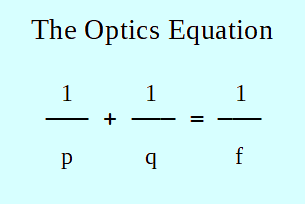
This application is entirely focused on utilizing the optics equation. Users can input any values for p, q, and f. Once two values are provided, the application will display the properties of the resulting image, the magnification, and the type of lens or mirror used. It serves as an excellent tool for practicing problem-solving and mastering geometrical optics.
Link to the Optics Equation Problem Solving Application in TpT
Cost: $10.00
Galileo's Law of Falling Bodies

There are three applications of Galileo's Law of Falling Bodies. Each application features a unique design aimed at helping physics students learn and enabling physics teachers to instruct kinematics in an engaging manner. These applications provide hundreds of random numerical problems for students to solve mentally, eliminating the need for calculators. They serve as excellent activities for tackling kinematics problems mentally without relying on equations. Instead, students should apply the principles of the Law of Falling Bodies, which is an invaluable tool. More detailed descriptions can be found in the following links on Teachers Pay Teachers.
Galileo's Law of Falling Bodies 1
There are six different types of numerical exercises. In every problem, the falling body start from rest.
Link to Galileo's Law of falling Bodies 1 in TpT
Cost: $7.50
Galileo's Law of Falling Bodies 2
It includes four distinct types of exercises. In every problem, all objects are initially projected vertically downward.
Link to Galileo's Law of falling Bodies 2 in TpT
Cost: $7.50
Galileo's Law of Falling Bodies 3
It involves four different types of exercises. In every problem, all bodies are initially thrown vertically upward.
Link to Galileo's Law of falling Bodies 3 in TpT
Cost: $7.50
Projectile Motion

There are three applications focused on Projectile Motion. These applications are intended for students to practice problem-solving skills and for teachers to utilize as engaging teaching resources. Each application features a unique and straightforward design. They present random numerical problems for students to solve without the need for written work. Some problems can be addressed mentally, while others may require calculators. Most exercises can be completed in 30 seconds or less. The topics covered include finding the range, horizontal velocity, vertical velocity, speed, height, and linear acceleration. More detailed descriptions can be found in the following TPT links.
Projectile Motion 1
In all problems, the projectiles are initially ejected horizontally.
Link to Projectile Motion 1 in TpT
Cost: $7.50
Projectile Motion 2
In all problems, the projectiles are initially thrown above the horizontal.
Link to Projectile Motion 2 in TpT
Cost: $7.50
Projectile Motion 3
In all problems, the projectiles are initially thrown below the horizonatl.
Link to Projectile Motion 3 in TpT
Cost: $7.50
Kinematics Equations
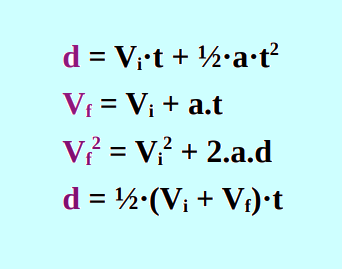
The Kinematics Equations application serves as an excellent tool for practicing kinematics problem-solving. Students have the opportunity to tackle 16 different types of problems, thereby gaining experience in utilizing all four basic kinematics equations.
Once the student selects the type of exercise to be solved, the computer will prompt for the input of three different variables. Following this, the computer will calculate and provide the correct value for the fourth variable. This application exclusively employs the SI System of Units.
Link to Kinematics Equations in TpT
Cost: $7.50
Kinematics Tutorial
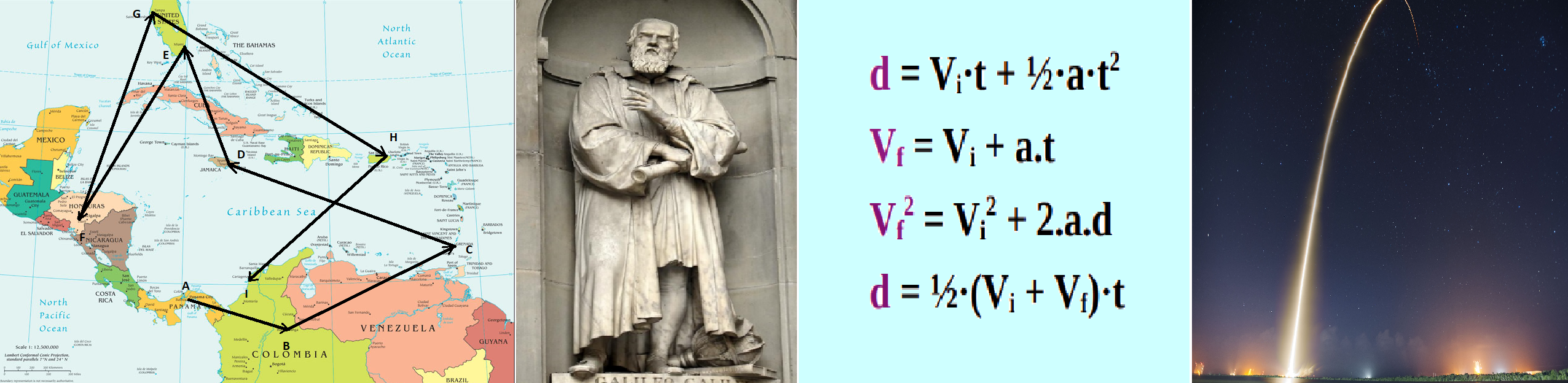
This Kinematics Tutorial was designed for Honors and regular high school physics students. The tutorial covers the following topics:
Vectors
Uniform Motion in a Straight Line
Uniformly Accelerated Motion
Galileo’s Law of Falling Bodies
Galileo’s Law of Odd Numbers
Kinematic s Equations
Projectile Motion
Each concept, from vectors to projectile motion, is explained using clear language and numerous examples. After reviewing the 48 screens included in the tutorial, students will gain a strong understanding of kinematics and be prepared for problem-solving practice in most of the chapter.
Link to the Kinematics Tutorial Application in TpT
Cost: $10.00
Formation of Sound Beats - Addition of Waves

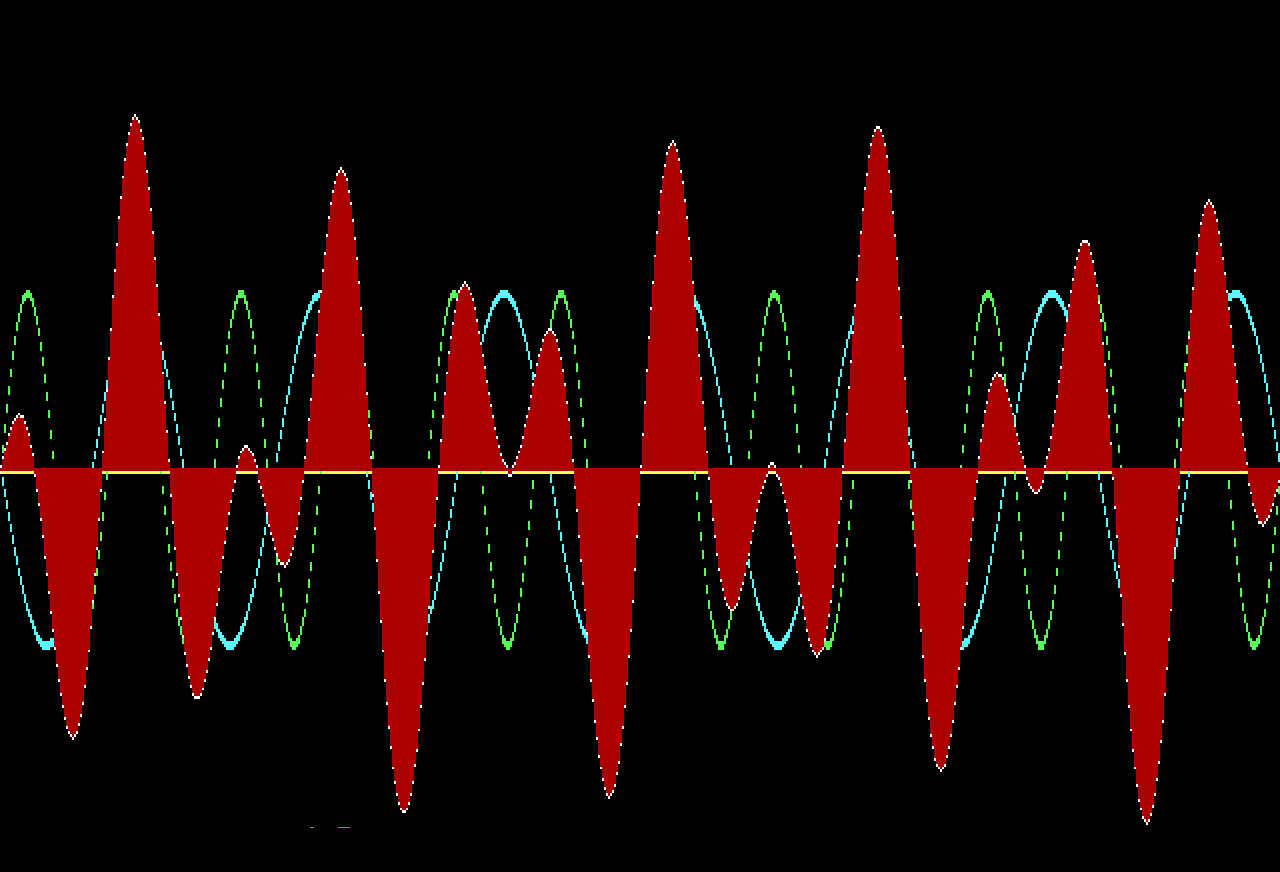
This application demonstrates the formation of beats resulting from the interference and combination of sound waves. In other words, it illustrates the addition of waves. Physics teachers can utilize this tool while teaching about waves. Students will appreciate the engaging graphics and the diverse array of beats created. Additionally, it allows for the input of various frequencies and amplitudes, enabling the formation of thousands of unique beat patterns.
Link to the Formation of Beats - Addition of Waves Application in TpT
Cost: $7.50
Relativity

Relativity 1
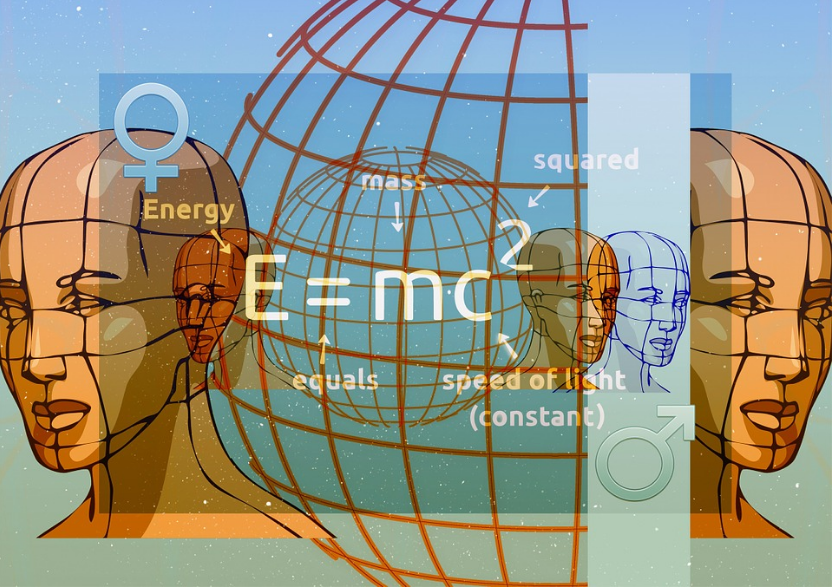
This physics application demonstrates time dilation, mass expansion, and length contraction experienced by a student on a hypothetical journey traveling through space at speeds close to the speed of light. The application will utilize the following information for one student:
Mass of the student = 60 kg
Age of the student = 18 years
Length of the spacecraft = 150 m
Year the student left planet Earth = 2,022
The student will return to Earth after 20 years, as indicated by a clock in the spacecraft.
By just pressing each time the space bar, starting at 0.1c and increasing gradually all the way to 0.999999998c, the computer will show:
Mass of the student while traveling in spacecraft
Length of the spacecraft while moving in space
Age of the student when returning to Earth
Years passed on planet Earth since the student left
Current year in Planet Earth when the student returned
Link to Relativity 1 in TpT
Cost: $7.50
Relativity 2
The application, Relativity 2, demonstrates time dilation, mass expansion, and length contraction when a student embarks on a hypothetical journey through space at speeds approaching the speed of light. The application will prompt the user to input the following information:
Mass of the student
Age of the student
Speed of the spacecraft (from 0.1c to 0.999999998c)
Year the student left planet Earth
The student will return after 1,000 years have passed on planet Earth. The computer will find the following:
Mass of the student while traveling in spacecraft
Length of the spacecraft while moving in space
Age of the student after 1,000 years have passed on planet Earth
Year in Planet Earth when the student returned
Link to Relativity 2 in TpT
Cost: $7.50
Home Page
Physics Worksheets
Chemistry
Biology
Physical Science
Links to Ceres Science in TpT
AP Physics 1 Projects
Earth & Space Science
Physics Test Generators
Physics Video Exams
Anatomy
Balsa Wood Bridges
Electric
Motors
Computer Science Worksheets
Health Science
Zoology
View & Play Activities
Free Materials
Boards on Pinterest
BASIC Language
Physics Applications
Chemistry Applications
Physics Lessons
All Science Products
To Facebook